

Local broadcast engine · v0.1.59
Your whole stream.
One local app.
Streammaxxing is a free Windows desktop app for livestream creators. It combines alerts, OBS overlays, donation read-outs, and live chat from YouTube, Twitch, Kick, and TikTok in one local broadcast dashboard.
How YouTube is used: When you choose Connect YouTube, Streammaxxing requests read-only access to find your active livestream and display its live chat in the unified overlay. It cannot post messages, upload videos, or edit or delete YouTube content.
 STREAMMAXXING SESSION 02:14:38 LIVE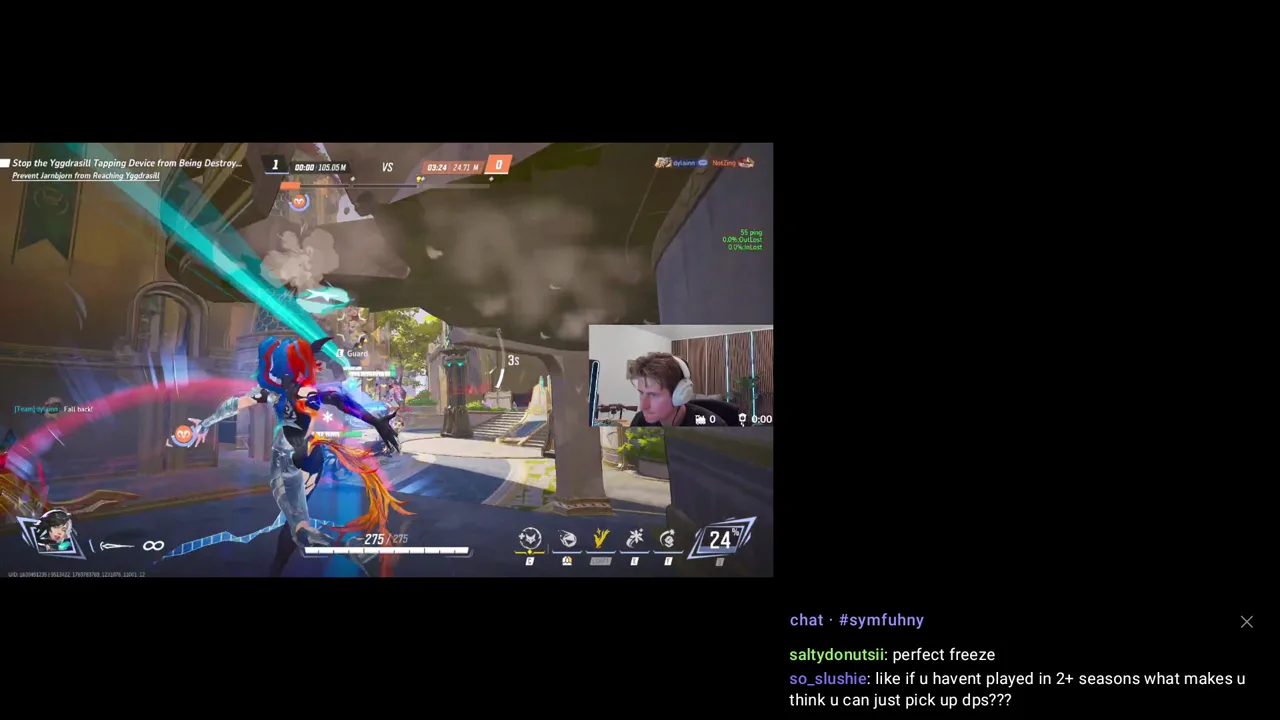
orbitalsamthat was clean
vexnW setup
miraone more game
FIRSTnovathe alert was instant
Live controls · try the broadcast
How it works
Your whole stream. One app.
-
The Command Center
Everything runs from one dashboard — go live, fire a test alert, clip the last moment, mark a highlight for your editor. No browser tabs, no cloud account, no fifteen logins. It all lives on your PC.
-
Add every overlay to OBS in one click
Connect OBS once, tick the overlays you want — or hit "Essentials" — and "Add selected to OBS" drops each one in as a browser source, named, sized and placed for you. No copy-pasting URLs into a dozen sources.
-
A whole overlay studio, with live previews
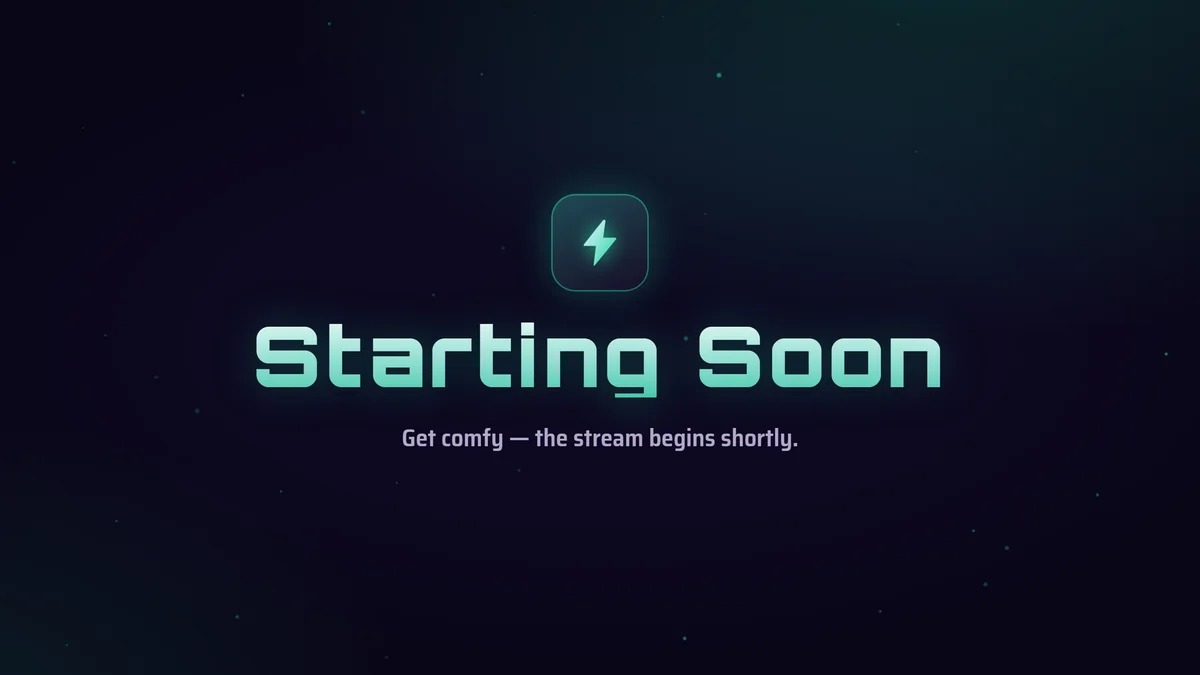
Goal bars, a self-extending subathon timer, full-screen Starting Soon / BRB / Ending scenes, a death/win counter, social bar, webcam frame, Spotify now-playing — 21 overlays in all, each customizable with a live preview before it ever hits your stream.
-
Every platform's chat, one widget
Twitch, Kick, YouTube and TikTok chat merged into a single overlay, each message tagged with where it came from. Drop it on stream or pop it out as an always-on-top window to read while you play. Moderation and a command bot are built in.
-
Donations read aloud — in a voice you cloned
Generic robot TTS makes every read-out sound the same. Streammaxxing clones a voice from a short clip and reads each donor's message in it — synthesized locally on your GPU, consent-gated, never sent anywhere.
-
Bring your alerts — leveled and tested
Import your existing alerts from Botrix or StreamElements in one click, or start from a built-in pack. Then one button normalizes every alert sound to a consistent loudness (−16 LUFS) so nothing blasts and nothing whispers.
The latency
No cloud hop. No delay.
01 · The Delay
No cloud means no waiting.
Cloud alert services have to receive the event, queue it, and push it back down to your overlay — which is why a follow can take tens of seconds to show up. Streammaxxing holds a direct EventSub connection on your own machine, so the alert fires the instant Twitch sends it.
02 · The Levels
One button, every alert the same loudness.
Alert packs are a mess of mismatched volumes — one sound clips your ears, the next is inaudible. Streammaxxing measures and re-levels every alert sound to a broadcast standard (−16 LUFS), so they all sit at one consistent level. It's non-destructive: your originals are kept and one click restores them.
03 · The Voice
Donations read aloud — in a voice you cloned.
Generic robot TTS makes every read-out sound the same. Streammaxxing clones a voice from a short reference clip and reads each donor's actual message in it, synthesized locally on your GPU. It's consent-gated and never leaves your machine.
Instant
alerts · fired on your PC
Runs on your PC. Fires the instant it happens.
Three questions you were going to ask anyway
Does it cost anything?
Free. No account, no subscription. It runs entirely on your PC — there's no server for us to bill you for. Botrix import, the clip trimmer, loudness-normalize, and voice-clone read-outs are all in the free build.
Will it work with my existing alerts?
Yes. Paste your Botrix link and it pulls every alert and downloads all the media to your disk — same look, now firing locally. Nothing to rebuild from scratch.
Is the voice cloning private?
It's consent-gated and 100% on-device. The voice is synthesized locally on your GPU from a short reference clip — no message, no audio, nothing ever leaves your machine.
Also in the apps
Different surface. Same standard.
PC Tuning
Optimizationmaxxing
A free Windows PC tuner for smoother games and more responsive play — with guided presets, plain-English explanations, before-and-after measurements, and a safe way back when a tweak is not right for your rig.
Communication
Discordmaxxer
Stock Discord uses 1,041 MB on this machine. Ours uses 288. Same servers, same friends, same pings — we just stripped the extra work that wastes RAM and can add lag while you play.
Content
Clipmaxxer
Done-for-you clip editing for streamers. We name the exact opponent, the exact weapon and the exact moment — cut it to vertical, caption it, and drop it in your drafts.