

Five surfaces · one remote
$0 forever
One app.
Every mood.
5 apps, 1 remote. Ad-free YouTube, movies, anime & live Twitch — running local on your box. No ads. No login. $0 forever.
PC WEB BETA Browser playback is still being hardened.
The lineup
Five surfaces. One remote.
01 · The Catalog
Every show. Real artwork. One grid.
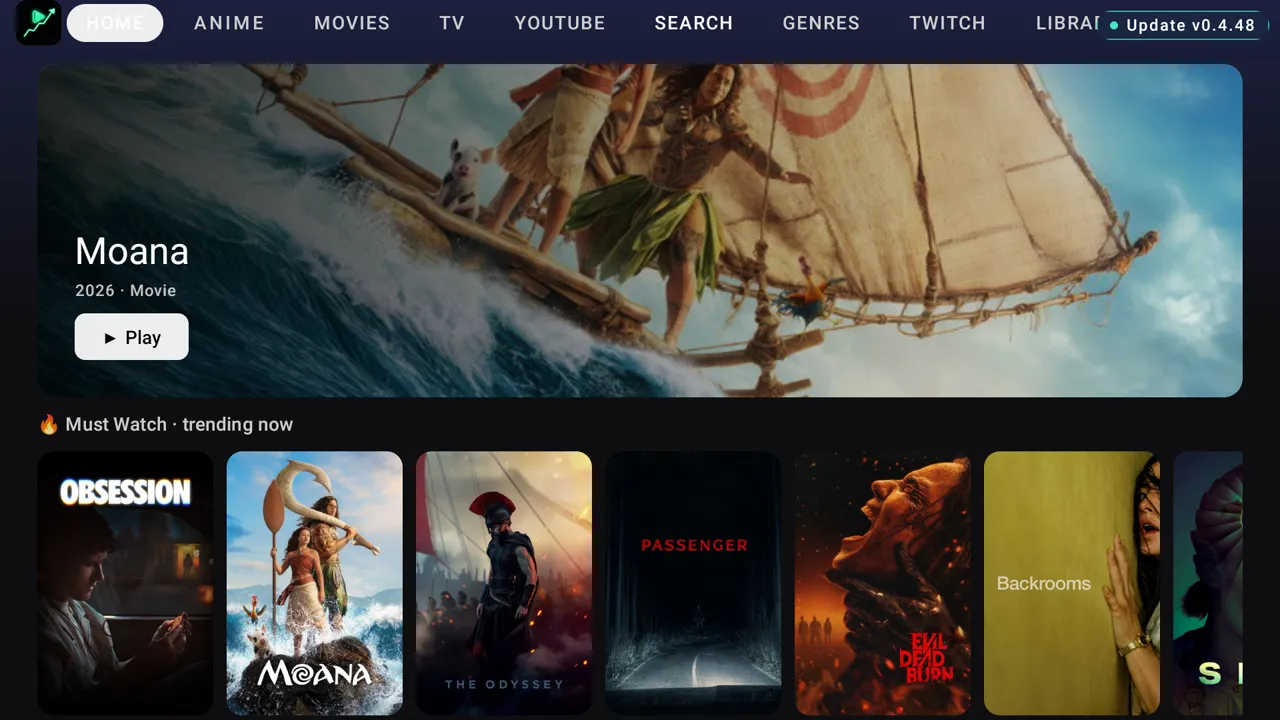
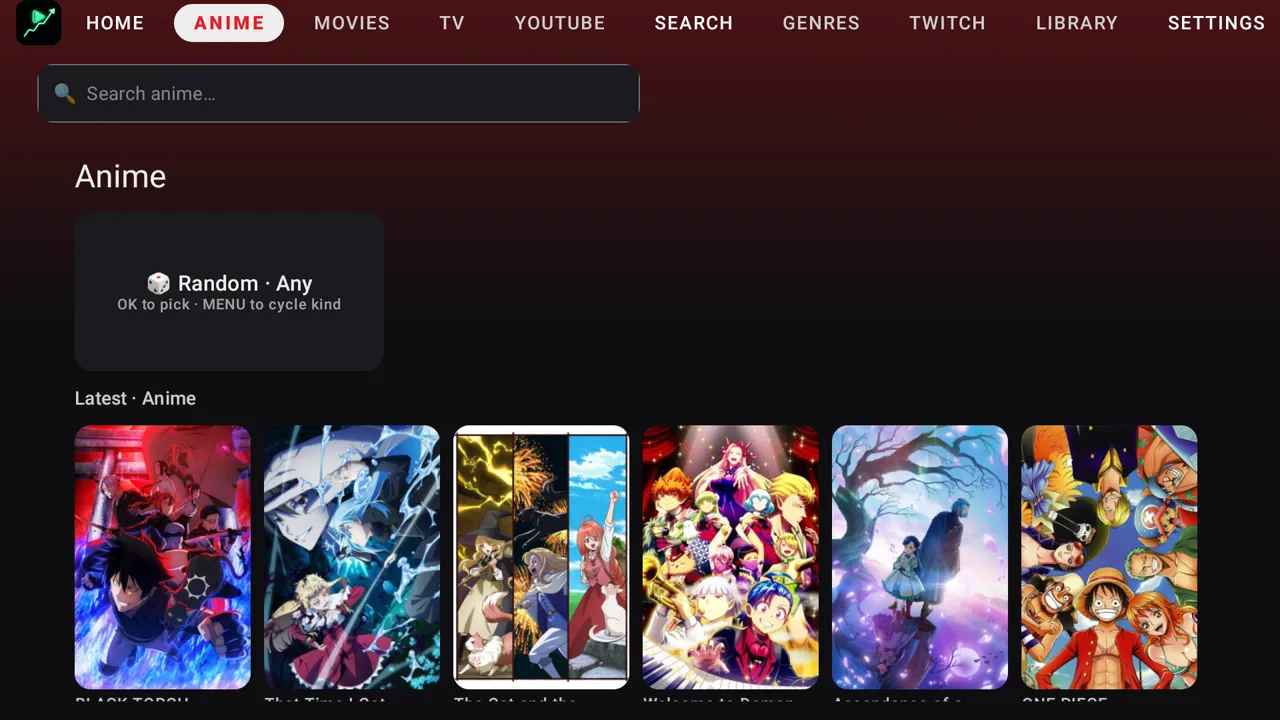
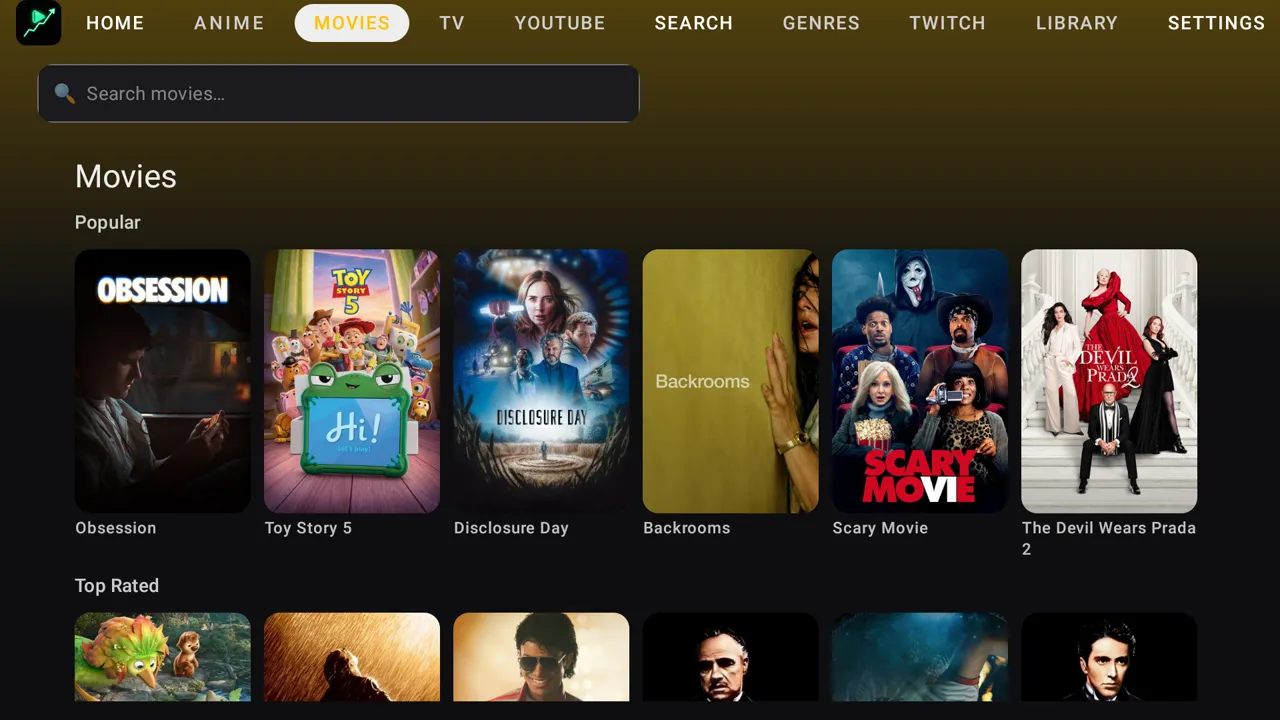
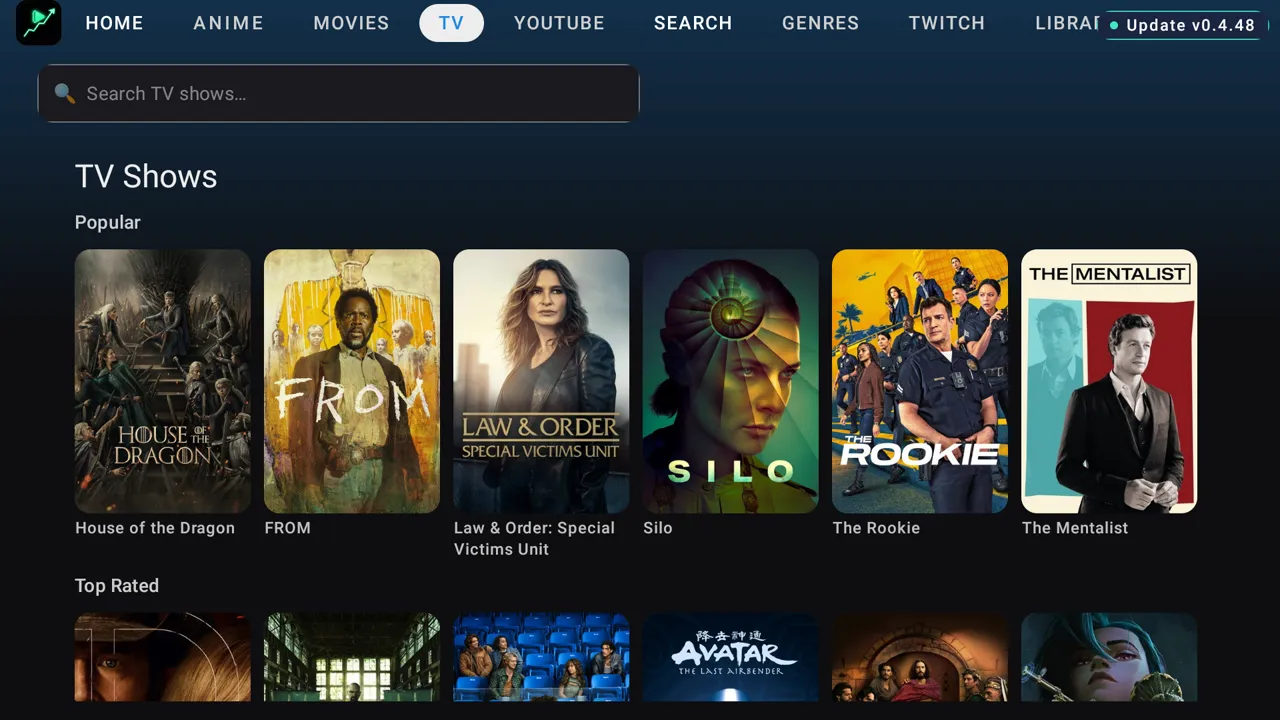
Movies, prestige TV and anime in a live catalog with real poster art — not a wall of broken links. House of the Dragon, The Boys, FROM, Snowfall: all a click from the couch, sorted into Popular and Top Rated.
02 · The Search
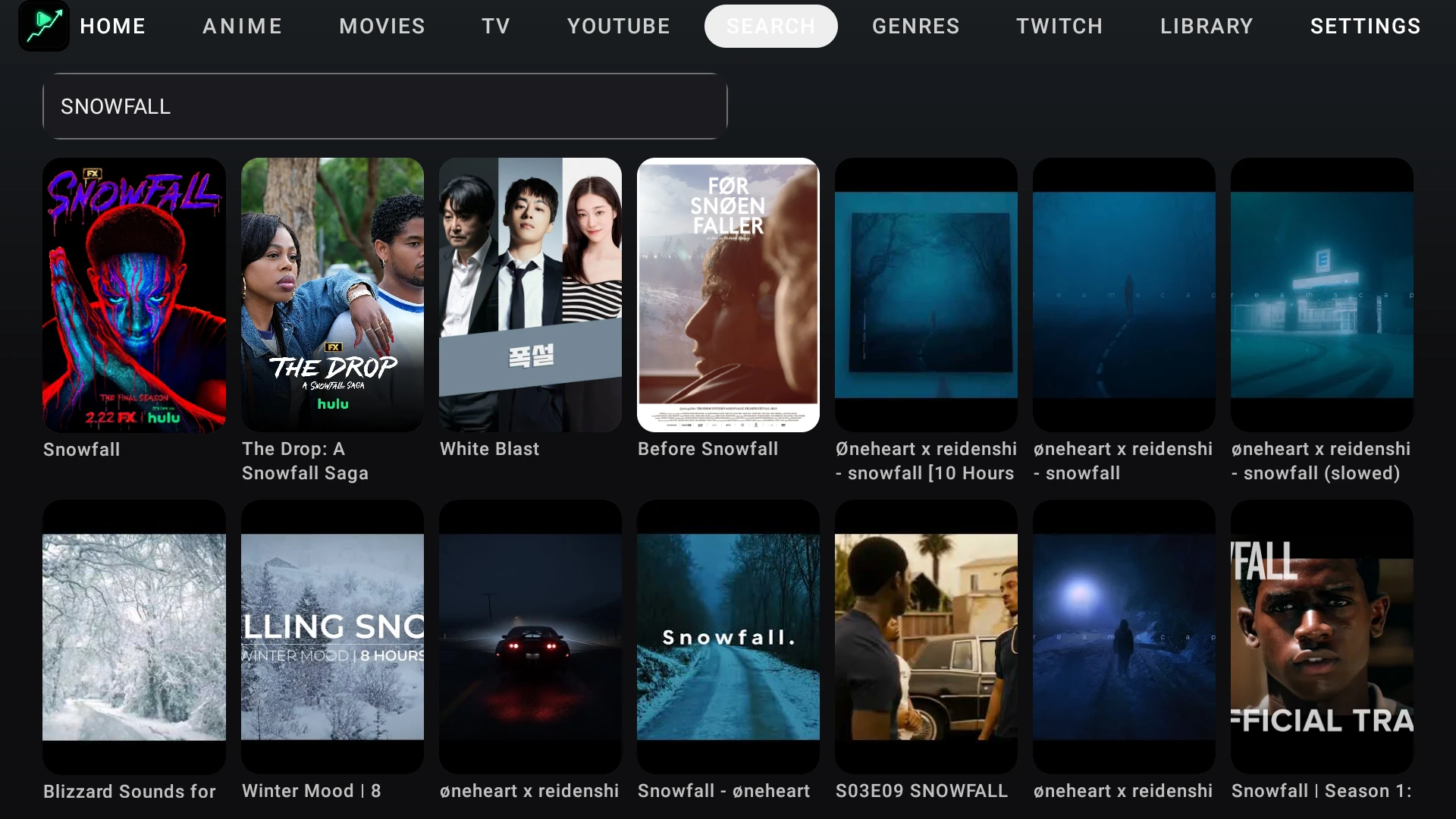
Type it once. It's already there.
One search across movies, TV, anime and YouTube. Type "Snowfall" and the full FX series surfaces first — six seasons, sixty episodes deep — next to everything adjacent. No bouncing between apps to find a show you already know the name of.
03 · The Rebuild
We scrapped the first one. On purpose.
The old Viewmaxxing was a vague streamer toolkit aimed at a tiny audience. It never shipped. We didn't fill the slot with slop — we deleted the concept and rebuilt it into the box app everyone actually wanted: instant-open, one tap to whatever you're in the mood for.
04 · The Stack
Your living room runs six apps. This is one.
YouTube here, a movie service there, an anime app, Twitch on your phone — five subscriptions and five remotes' worth of friction. Viewmaxxing collapses all of it into one home screen, and it bills you nothing.
05 · The Feed
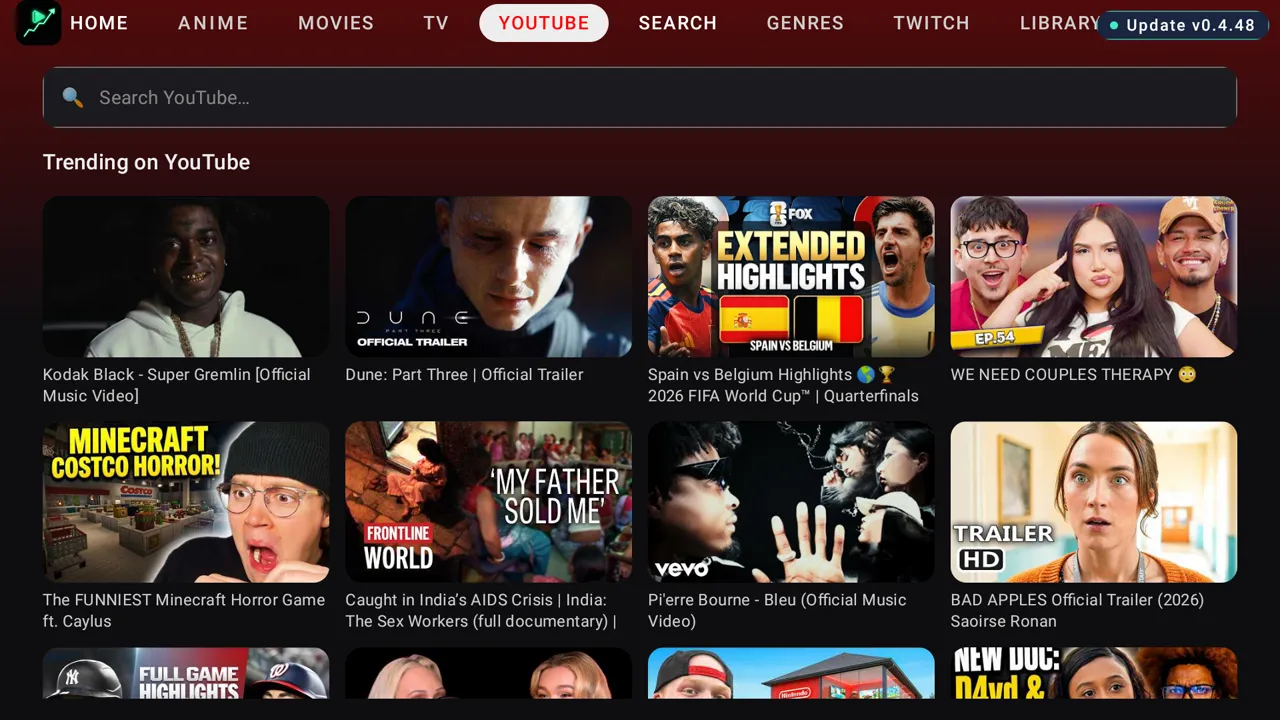
YouTube on the big screen. Zero ads.
The stock TV YouTube app shows unskippable ads and buries the audio tracks. Viewmaxxing extracts the video natively on the box, so ad slots never load — plus a multi-language audio picker, optional captions, and quality from Auto to Max.
06 · The Pick
It finds the working server. You don't.
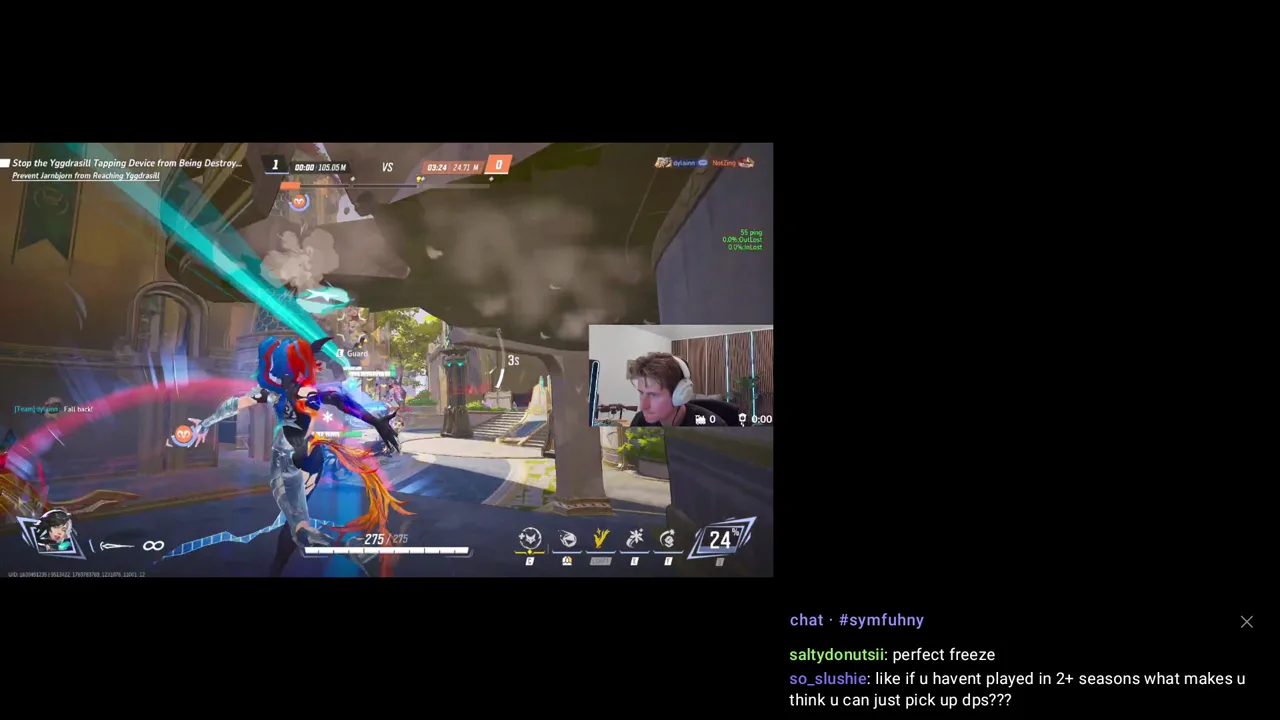
A TMDb-powered catalog of movies and shows, plus anime and live Twitch. Multi-mirror streaming auto-selects the best source in the background — no manual picker, no "try another link." Continue Watching remembers where you stopped; episode pickers and sub/dub are built in. All of it D-pad native.
5
apps in one · $0 forever
One app. Every mood. Zero bills.
Questions you were going to ask anyway
Is it really free? What's the catch?
Free. No account, no subscription, no trial that flips to paid. It runs locally on your TV box, and your watch history and "For You" recs stay on the device — nothing is uploaded. The honest catch: it's a sideloaded, personal-grade app for TV boxes, not a Play Store download.
Will it run on my box?
It's built for Android TV boxes, set-top boxes and Fire-Stick-class devices, and it's D-pad/remote-first by design. You sideload it — no store account needed — and the in-app updater keeps it current after that. No box? See the next answer — it runs on a PC too.
No TV box — can I run it on my PC?
Yes. It's a normal Android app, so a free Android emulator on Windows (BlueStacks is the easiest) runs it full-speed, and your keyboard's arrow keys drive it like a remote. Full step-by-step at maxxtopia.com/guides/viewmaxxing-on-pc — about ten minutes, no TV box required.
How do I get it?
Join the Maxxtopia Discord and open the #free-stuff channel — the latest build (updated often) is posted there with sideload steps. Invite: discord.gg/S78eecbWdx. Sideload it onto your box or a PC emulator and open it.
Also in the apps
Different surface. Same standard.
PC Tuning
Optimizationmaxxing
A free Windows PC tuner for smoother games and more responsive play — with guided presets, plain-English explanations, before-and-after measurements, and a safe way back when a tweak is not right for your rig.
Communication
Discordmaxxer
Stock Discord uses 1,041 MB on this machine. Ours uses 288. Same servers, same friends, same pings — we just stripped the extra work that wastes RAM and can add lag while you play.
Content
Clipmaxxer
Done-for-you clip editing for streamers. We name the exact opponent, the exact weapon and the exact moment — cut it to vertical, caption it, and drop it in your drafts.